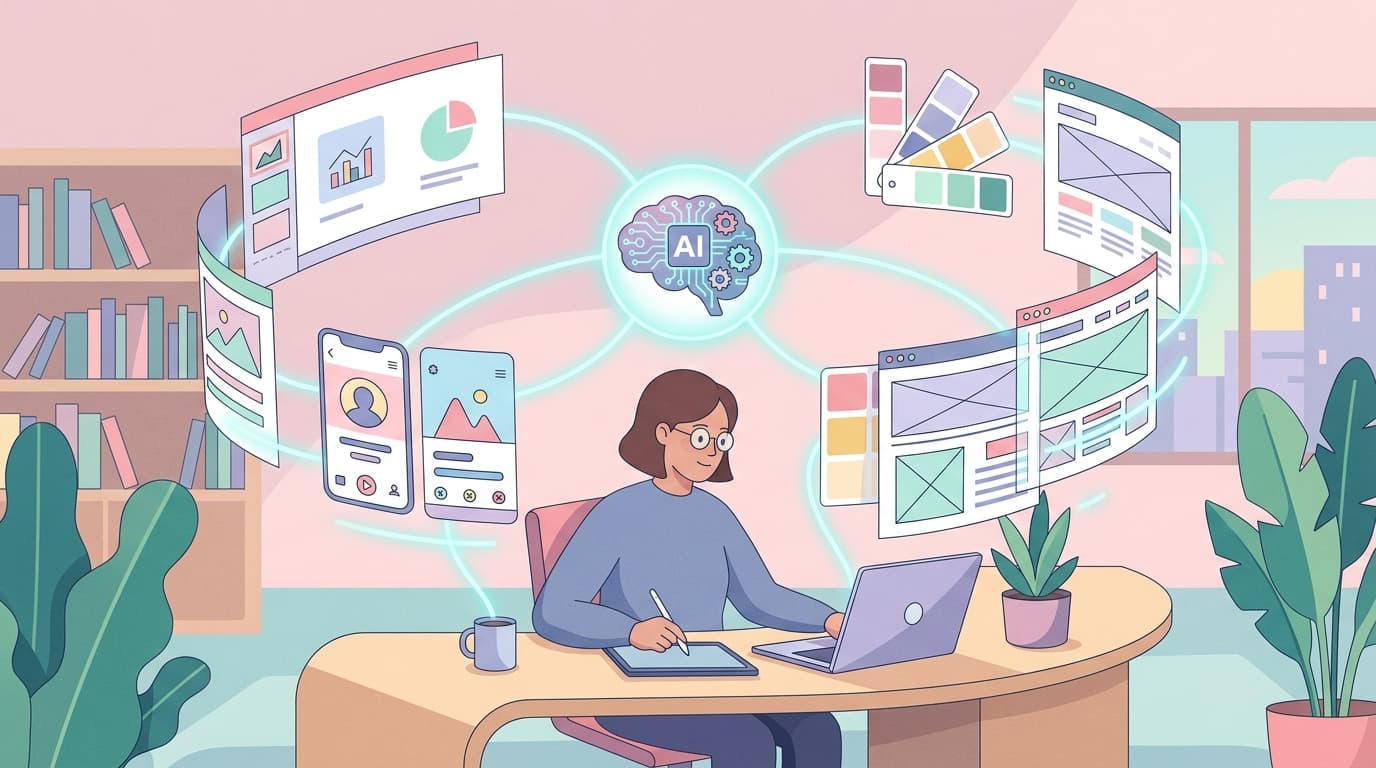
If you work in design, product management, or marketing, you've probably spent more hours than you'd like wrestling with slide decks, website mockups, or app prototypes. What if you could describe what you need in plain English and have a working design appear in front of you within minutes? That's the promise behind Claude Design, the new AI design product from Anthropic Labs. According to early reviews and use-case demonstrations, Claude Design can produce prototypes, presentations, one-pagers, and even full design systems from natural language prompts — and it does so by working with your actual design assets. Let's break down what it is, how it works, and — most importantly — when it makes practical sense to use it.
What Exactly Is Claude Design?
Claude Design is a dedicated design product built by Anthropic, the company behind the Claude family of AI models. According to Eigent.ai's overview, it sits at the intersection of conversational AI and visual design tooling. Rather than being a generic image generator, Claude Design is purpose-built for creating structured visual outputs — think slide decks, website layouts, mobile app screens, and branded one-pagers.
What sets it apart from, say, asking a general-purpose AI chatbot to "make me a website" is that Claude Design can reportedly work from your real design system. That means it can pull in your brand colours, typography, component libraries, and layout conventions, then apply them consistently across whatever it produces. For teams that spend significant time ensuring brand consistency across dozens of assets, this is a meaningful time saver.
Anthropic's engineering team, as described on their engineering page, focuses on building AI systems that are useful, honest, and safe. Claude Design appears to be an extension of that philosophy into the creative domain — giving users direct, practical output rather than vague suggestions.
Five Real Use Cases: What Can You Actually Build?
Peter Yang, writing for Creator Economy, tested Claude Design across five distinct use cases in a live demonstration. Here's a summary of what he built:
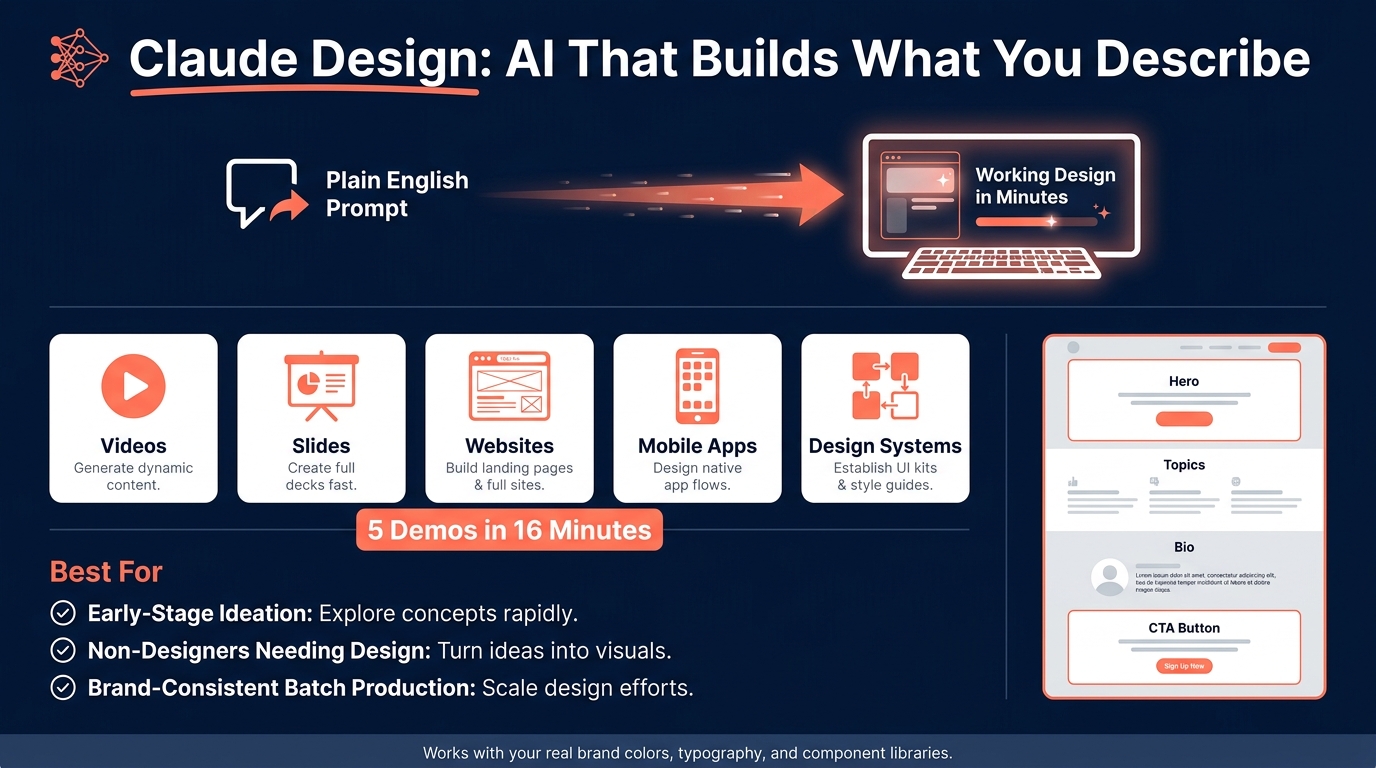
- Videos: Claude Design was used to generate video content — not full cinematic productions, but structured visual sequences suitable for social media or internal communications.
- Slides: Presentation decks were created from prompts, with Claude Design handling layout, text placement, and visual hierarchy.
- Websites: Full website layouts were generated, including navigation, hero sections, and content blocks.
- Mobile apps: App screen prototypes were produced, giving product teams a quick way to visualise user flows.
- Design systems: Perhaps most impressively, Claude Design was used to generate a cohesive design system — a set of reusable components, colour tokens, and typographic rules that could serve as a foundation for future design work.
Yang reported being able to run through all five demos in roughly 16 minutes, which gives you a sense of the speed involved. Even if you spend additional time refining the outputs, the initial drafts arrive remarkably quickly.
A Practical Example: Building a Landing Page from a Prompt
Let's walk through a concrete scenario. Imagine you're a freelance consultant and you need a simple landing page for a new workshop you're offering. Traditionally, you'd either open a design tool like Figma, hire a designer, or spend an evening fighting with a website builder template.
With Claude Design, based on the demonstrated capabilities, you could try a prompt along these lines:
"Create a one-page landing page for a half-day AI workshop aimed at small business owners. Use a clean, modern layout. Include a hero section with a headline and subheadline, a section listing three key topics covered, a short instructor bio, and a registration call-to-action button. Colour scheme: navy blue and white with coral accents."
According to the reviewed use cases, Claude Design would then produce a structured layout matching those specifications — complete with placeholder text, properly arranged sections, and your specified colour palette. You'd receive a working prototype that you could refine, export, or hand off to a developer.
This is particularly useful in situations where speed matters more than pixel-perfect polish: pitch meetings, client previews, internal proposals, or early-stage product exploration. Instead of spending three hours on a first draft, you spend three minutes prompting and fifteen minutes refining.
When Does Claude Design Make Sense — and When Doesn't It?
Claude Design appears best suited for several specific scenarios:
- Early-stage ideation: When you need to quickly visualise an idea before committing resources to full design and development.
- Non-designers who need design: Founders, marketers, and consultants who understand what they want but lack the technical design skills to build it themselves.
- Brand-consistent batch production: Teams that need to produce multiple assets (slides, one-pagers, social graphics) that all follow the same design system.
- Client-facing prototypes: Agencies and freelancers who want to show clients a tangible mockup early in the process, before investing heavily in production.
Where it's less likely to be the right fit — at least for now — is in situations requiring highly custom illustration, complex animation, or designs that need to push creative boundaries in unexpected directions. AI design tools excel at applying known patterns consistently; they're less suited to the kind of wild creative exploration that a skilled human designer brings to the table.
It's also worth noting that, as with any AI tool, the quality of your output depends heavily on the quality of your input. Vague prompts produce vague results. The more specific you are about layout, content structure, audience, and visual style, the better your results will be.
What This Means for Design Teams and Businesses
Claude Design doesn't replace designers — it changes what designers spend their time on. Instead of manually building every variation of a slide deck or churning out routine landing pages, designers can focus on the higher-order work: brand strategy, user research, creative direction, and the kind of nuanced visual storytelling that AI can't replicate.
For businesses, the practical impact is straightforward: faster turnaround on visual assets, lower costs for routine design tasks, and the ability to test ideas visually before committing budget. For solo operators and small teams, it means access to a level of design output that previously required either significant skill or a significant budget.
The tool is still relatively new, and it will be worth watching how Anthropic develops it over the coming months. But based on the early demonstrations and reviews, Claude Design is already a genuinely useful addition to the AI toolkit — not because it does everything, but because it does a specific set of things well and quickly.
Getting Started with AI-Driven Design
If you're curious about how Claude Design or similar AI tools could fit into your own workflow, the best approach is to start with a real project. Pick something small — a presentation, a landing page, a set of social media templates — and try building it with AI assistance. You'll quickly learn where the tool shines and where you still need human input.
Brain.mt can help you use AI effectively in your business, whether you're exploring design tools like Claude Design or broader AI strategies. Get in touch for more information — I also offer dedicated workshops and training on this subject, tailored to your team's specific needs and goals. 🎯