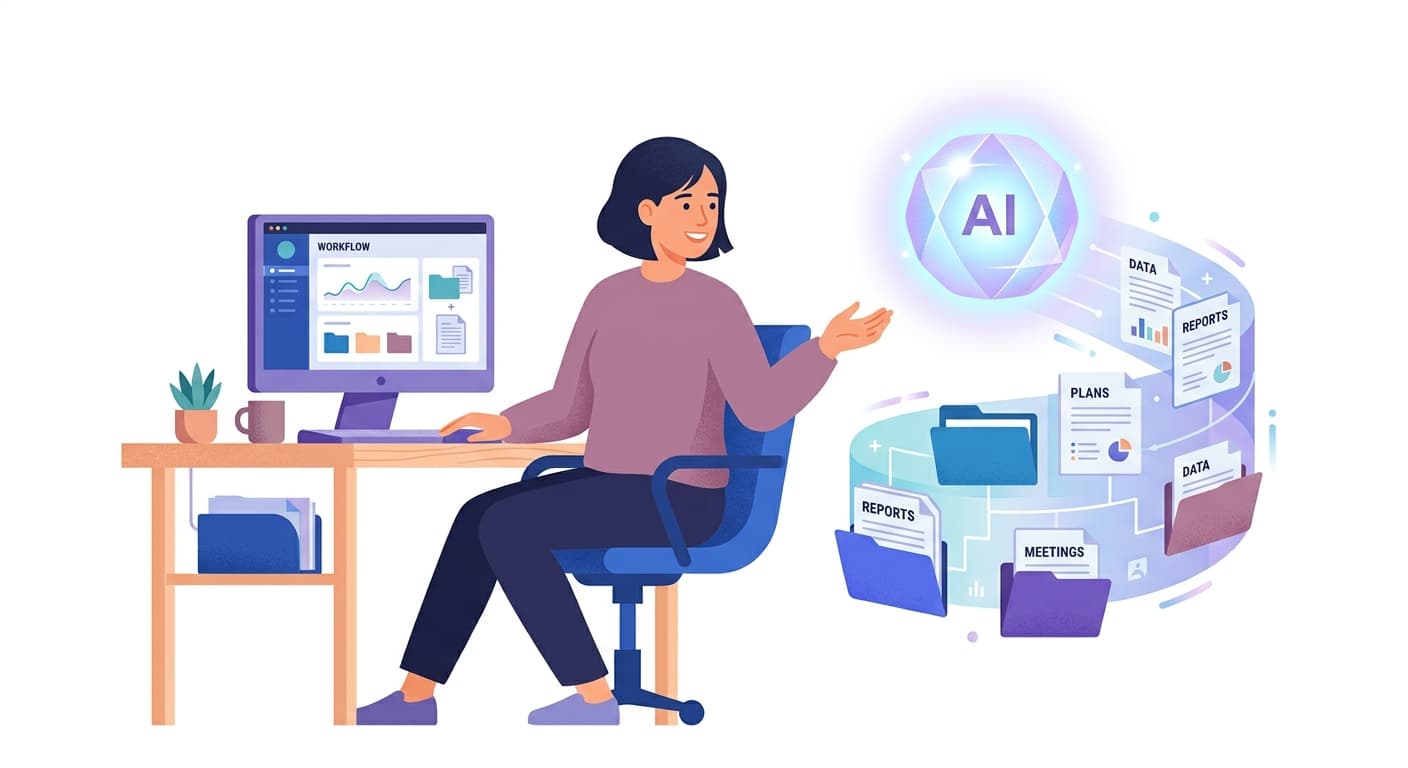
A New Kind of AI Assistant for Desktop Users
If you have been following the world of AI tools, you have likely heard a great deal about large language models that answer questions, write text, or generate code. But what happens when an AI moves beyond the chat window and starts taking actions on your behalf — organising files, running tasks, and working through multi-step processes without you holding its hand at every turn?
That is precisely the idea behind Claude Cowork, a research preview from Anthropic that brings the agentic capabilities of Claude Code to Claude Desktop — but aimed squarely at knowledge work, not just software development. According to the Claude Help Centre, Cowork is designed to extend these capabilities "beyond coding" to everyday professional tasks.
What Exactly is Claude Cowork?
Claude Cowork is, at its core, an AI agent that lives inside Claude Desktop and can take actions on your computer. According to Anthropic's own documentation, it is available as a research preview for users on paid plans — specifically Pro, Max, Team, and Enterprise tiers. It runs on Claude Desktop for both macOS and Windows, though the Windows version requires the latest version of the application.
The key distinction between Cowork and a standard chat interface is agency. Rather than simply responding to a single question, Cowork can carry out sequences of actions — managing files, handling basic computing tasks, and working through more complex workflows. WIRED described it as a "user-friendly version" of Anthropic's Claude Code tool, built with file management and basic computing tasks in mind.
This positions Cowork somewhere between a traditional AI chatbot and a fully autonomous computer agent. It is not trying to take over your entire machine, but it is designed to take meaningful, practical steps on your behalf within a defined scope.
Who is it For?
Claude Cowork is aimed at knowledge workers — people whose jobs involve processing information, managing documents, writing, researching, and organising material. Think project managers, researchers, writers, analysts, consultants, and anyone else who spends a large portion of their day working with files and information on a computer.
Because it is currently a research preview, it is not a finished, polished product. Anthropic is clearly testing how people interact with an AI agent in a desktop environment, gathering feedback, and refining the experience. This means early adopters will encounter rough edges, but they also get to shape how the tool develops.
The availability on paid plans only also signals that Anthropic is positioning this as a professional tool — one for people who rely on Claude regularly and want to do more with it than ask questions in a browser tab.
A Practical Example: Organising a Research Project
To understand what Cowork actually does in practice, consider this scenario. Imagine you are a consultant who has just finished a three-month project. You have dozens of files scattered across your Downloads folder, your Desktop, and several subfolders — interview notes, draft reports, reference documents, and client emails saved as PDFs.
With Cowork running in Claude Desktop, you could give it an instruction along these lines:
"Please look at all the files in my Projects folder for the Acme account, sort them by type, create subfolders for Notes, Reports, and References, and move each file into the right subfolder. Then give me a summary of what you found."
Rather than simply telling you how to do this yourself, Cowork would work through the task — examining the files, making decisions about categorisation, creating the folder structure, and moving the files accordingly. It would then report back on what it did, giving you a clear picture of the result.
This is a straightforward example, but it illustrates the fundamental shift: instead of AI as an adviser, you have AI as a capable colleague handling the practical work.
What Makes This Different From Previous AI Tools?
Most AI assistants, including earlier versions of Claude, operate within a conversation. They produce text, and then it is up to you to act on that text. Cowork changes this by giving Claude the ability to interact with your file system and carry out tasks directly.
This matters because a large portion of knowledge work is not about generating ideas — it is about execution. Sorting, filing, summarising, moving, and organising information takes real time. An AI that can handle these mechanical steps frees you to focus on the parts of your work that genuinely require human judgement.
It is worth noting that, as a research preview, the full scope of what Cowork can and cannot do is still being defined. Users should approach it with curiosity and reasonable caution, understanding that its capabilities will likely grow over time.
Getting Started
If you are on a Claude Pro, Max, Team, or Enterprise plan, you can access Cowork through Claude Desktop. Anthropic's Help Centre advises downloading the latest version of Claude Desktop from claude.com/download to ensure compatibility, particularly on Windows. Once installed, Cowork appears as part of the desktop experience, ready to take on tasks beyond the standard chat interface.
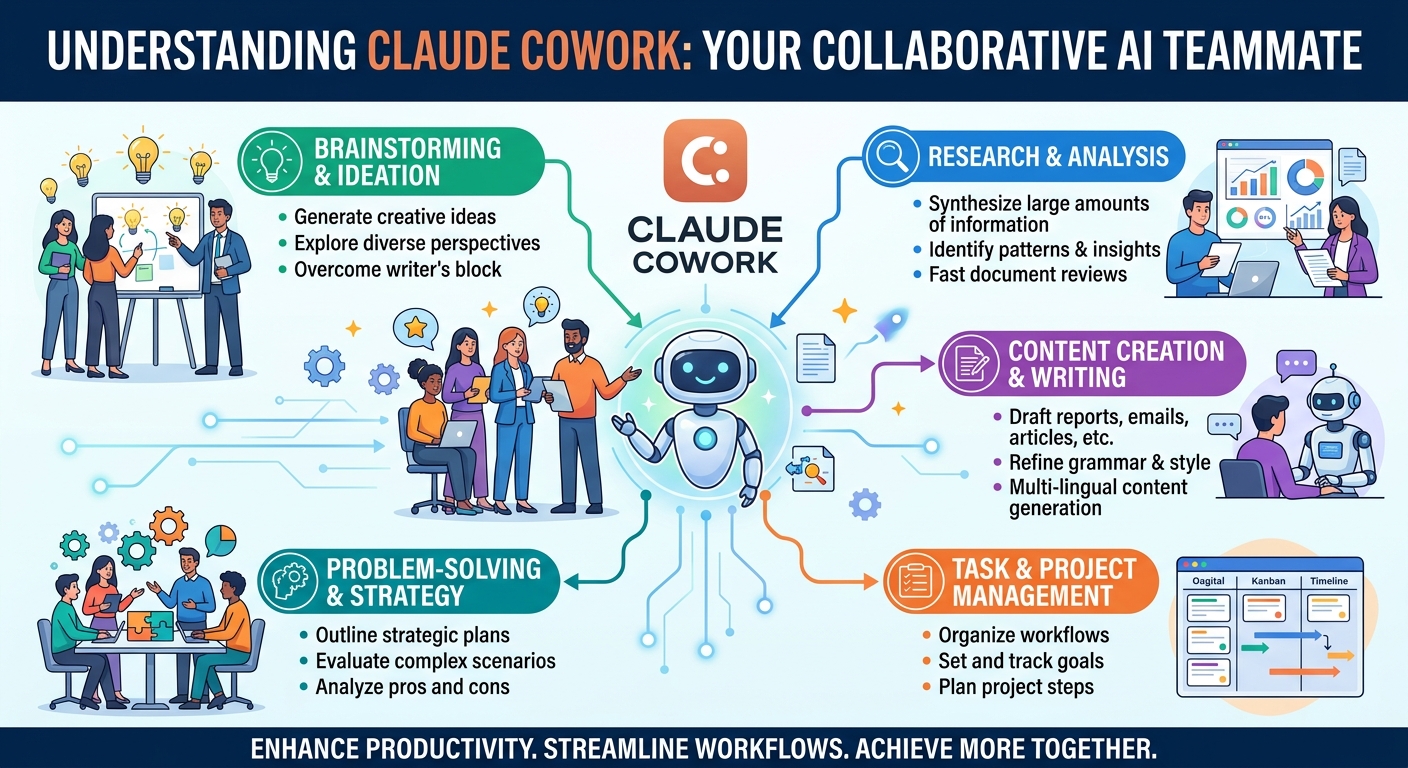
Final Thoughts and How Brain.mt Can Help
Claude Cowork represents a genuinely interesting step forward in how AI tools can support professional work. Rather than staying in the chat window, it moves into your actual working environment and starts doing things — which is a meaningful change in how we might think about AI in the workplace.
If you are curious about how tools like Claude Cowork could fit into your business workflows, Brain.mt can help you explore and apply AI in ways that make sense for your specific situation. Whether you want a one-to-one consultation, a team workshop, or structured training on the latest AI tools, get in touch to find out more. The goal is always practical, grounded results — not just theory.